
SongManager
Every project, bounce, lyric and piece of artwork, kept together song by song.
Download for WindowsUnify your project library.
SongManager finds your Ableton projects wherever they live, across every drive, and gathers each song's versions, bounces, lyrics, artwork and notes in one place. Your files stay exactly where they are.
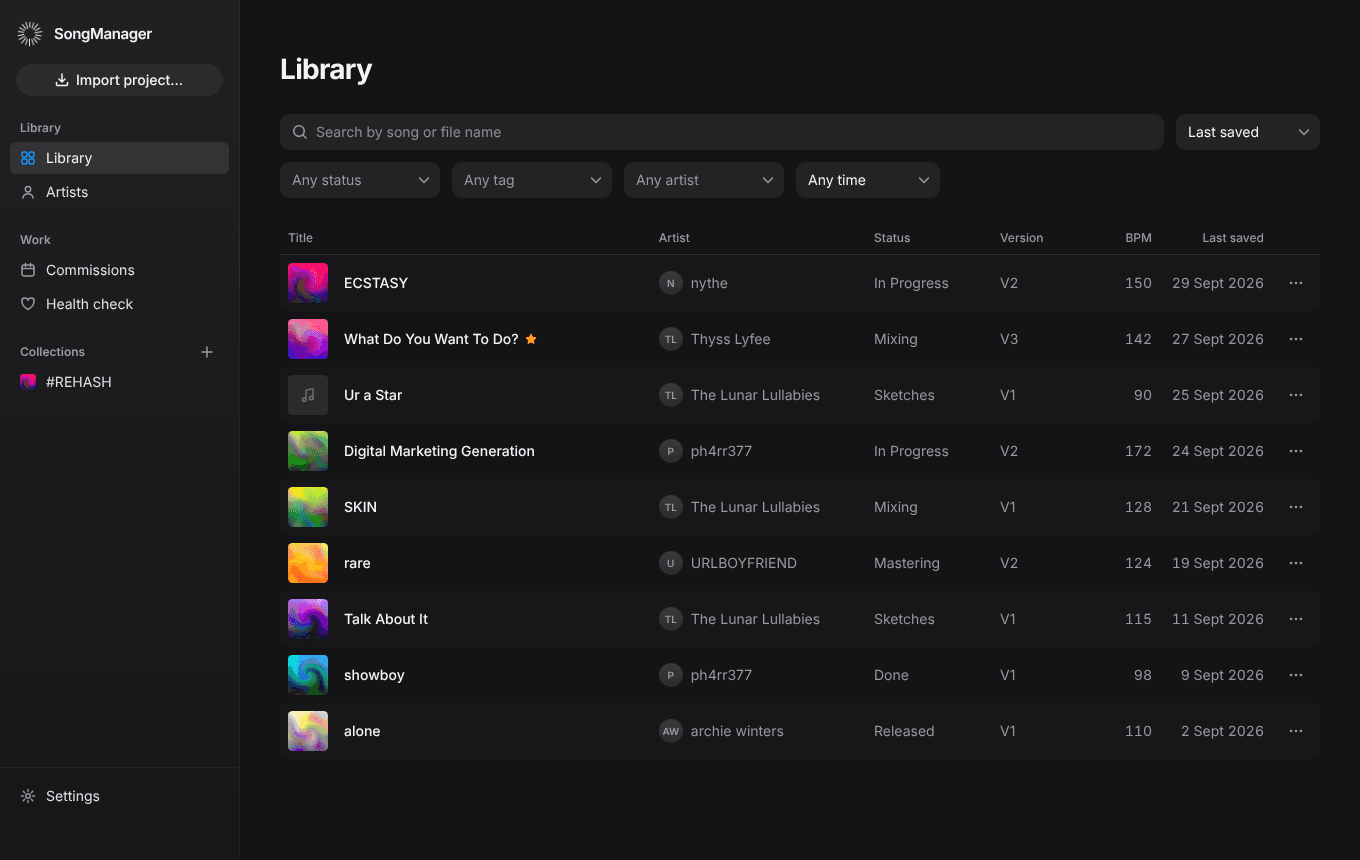
It does the filing, so you can stay in the song.
Finds your projects in place
Point SongManager at your project folders, on any drive, and it keeps watching them. Nothing is moved or copied unless you ask.
Tracks where each song is
Every song moves through six stages, from the first sketch to release day.
Groups versions for you
Projects in the same folder become one song with V1, V2 and onwards. Drag one song onto another to merge them.
Helps you deliver
Commission deadlines, stems and master sent, feedback notes per version, and a tidy delivery package.
To deliver 2
Baby
For ph4rr377
Due in 3 days
Fri, 9 Oct
WRECK
For nythe
Due in 14 days
Tue, 20 Oct
Checks your projects' health
Spots missing samples and plugins that aren't installed, before you open the project and find out the hard way.
3 samples are outside the project folder
Run Collect All and Save in Ableton.1 plugin isn't installed
Spire-1.5Keeps the details together
Lyrics, notes, artwork, tags, key and tempo, all on the song's own page.
ECSTASY
- Matches your bounces
- WAV and MP3 exports are found in the project folder and your exports folders, and played right in the app.
- Organises by artist and collection
- See every song for an artist, or build albums, EPs and playlists.
- Builds a song folder
- Copies every file a song needs into one place. Your originals are never moved or deleted.
- Shares with collaborators
- Invite people to a song so you can work on it together.
- Syncs between your computers
- Your library follows you, and works offline after the first sign-in.
- Never changes a project
- SongManager only reads your files. They stay exactly where they are.
Get SongManager for Windows
- Download and open the installer.
- Open SongManager and continue with your Google account.
Needs Windows 10 or 11 (64-bit), Ableton Live 12 projects, and a Google account with an internet connection for the first sign-in. It updates itself after that.